Sunday Service

Main Sanctuary · Canva design

Media team

Ready to sync

Sync status

24
24
0

Youth Room

Media Station · online

TurboSync Pro connects Canva to ProPresenter for your whole media team. Design once, sync, and it’s ready to present — no downloading, no rebuilding by hand.

From Canva to ProPresenter, without the manual rebuild

Built for

your whole

media

team.

Tech directors, media leads, and volunteers work from one shared workspace. Everyone connects their own Canva account, and anyone can sync a design to any station your church has linked.

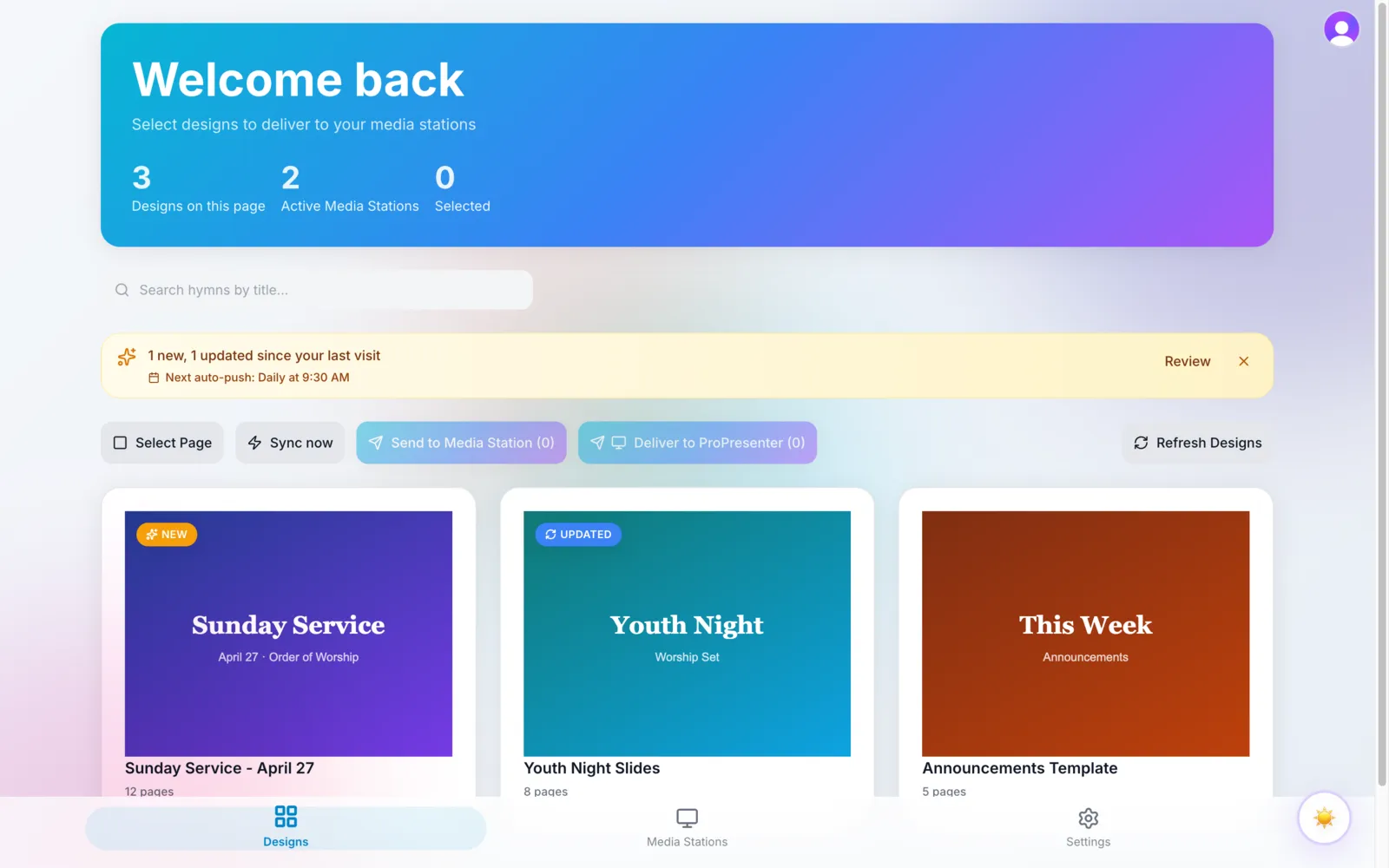
TurboSync Pro dashboard showing worship designs ready to sync to media stations

From design to presentation in three steps

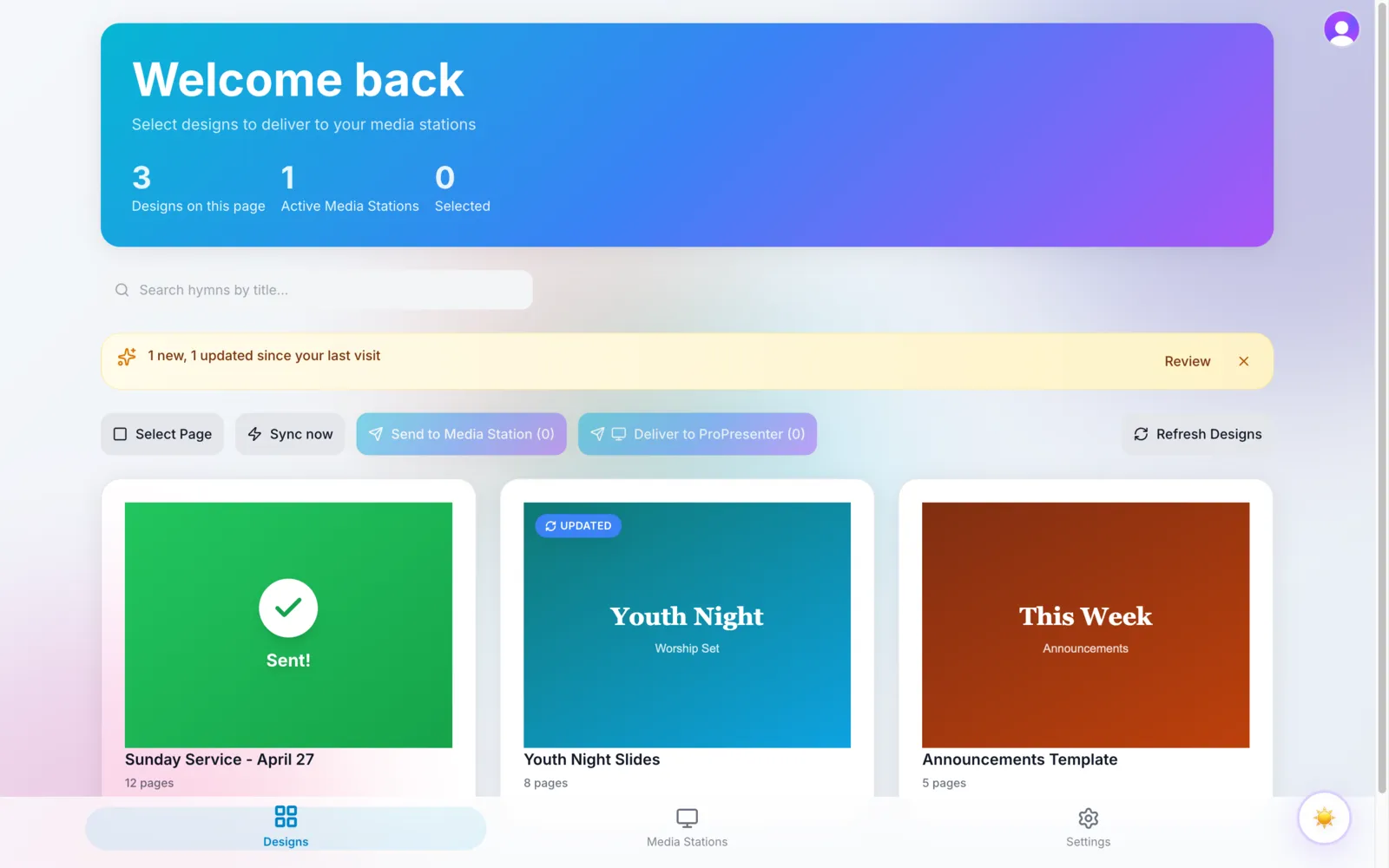
A worship design delivered to a media station in TurboSync Pro, showing the Sent confirmation

01.

Design in Canva

Build your slides in Canva the way your team already does — no new design tool to learn.

02.

Sync from the app

Open TurboSync and send the design to your Media Station, on demand or on a schedule you set.

03.

It's ready in ProPresenter

The Media Station builds the ProPresenter presentation on your booth computer, ready before the service starts.

Simple plans for teams of every size

Multi-campus or a denomination?

Running several campuses or a whole network? Let’s put together a plan that fits your team.

Talk to us

support@turbosyncpro.com

$ 99

For a single team and station

$ 199

For a media team with a few stations

Questions, answered

You design in Canva the way you already do. When a design is ready, you sync it from TurboSync — the app picks up the design, hands it to your linked Media Station, and the Media Station builds the ProPresenter presentation on the computer in your booth. Cloud to bridge to desktop, with no manual downloading or rebuilding in between.