Everything TurboSync Pro does between Canva and ProPresenter
How it works
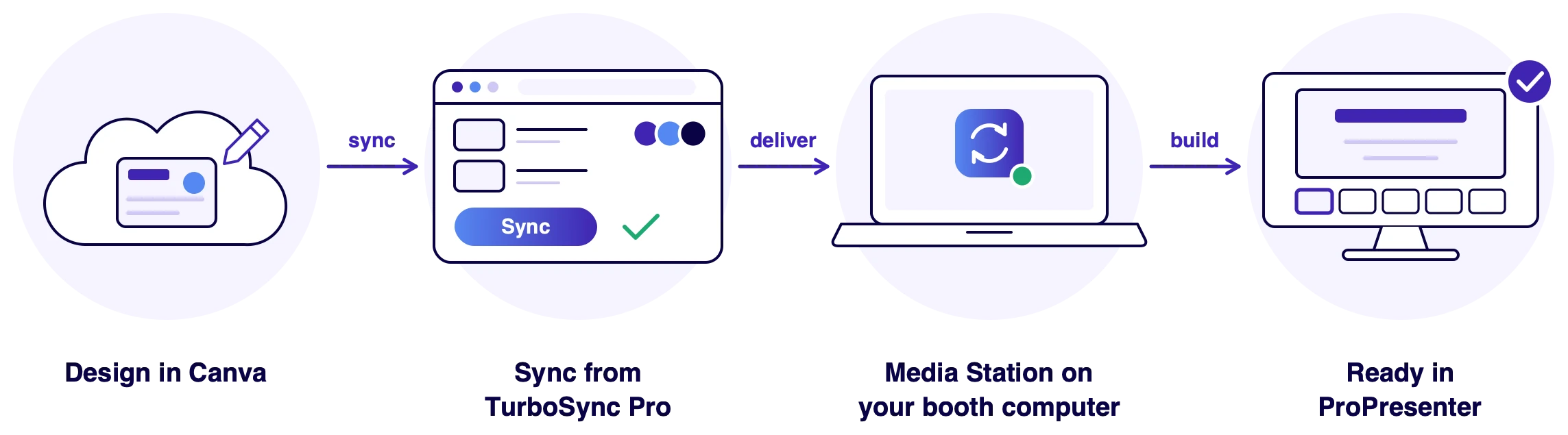
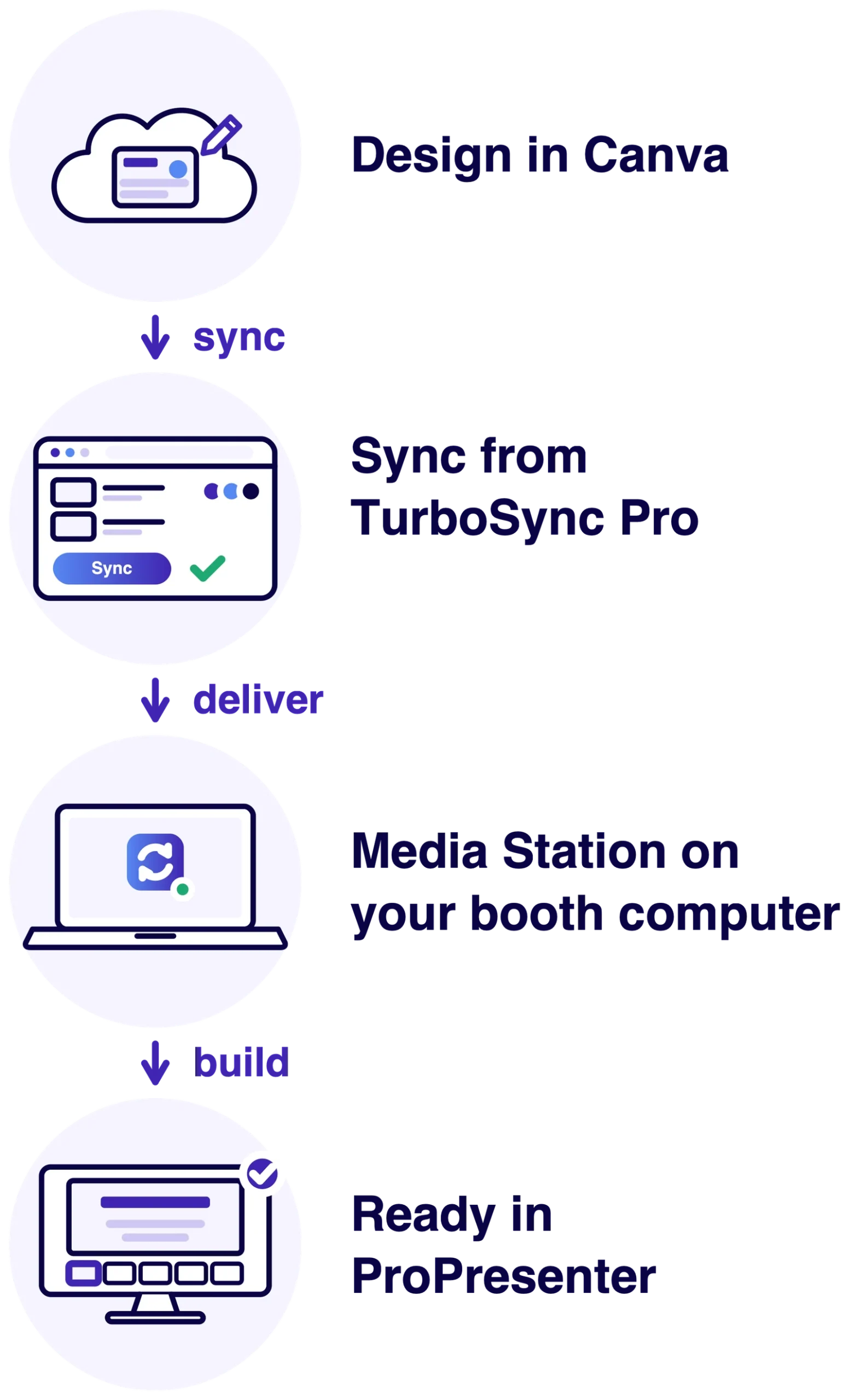
Design and sync. The Media Station does the rest.
Nothing to download, import or rebuild.
Connect Canva once
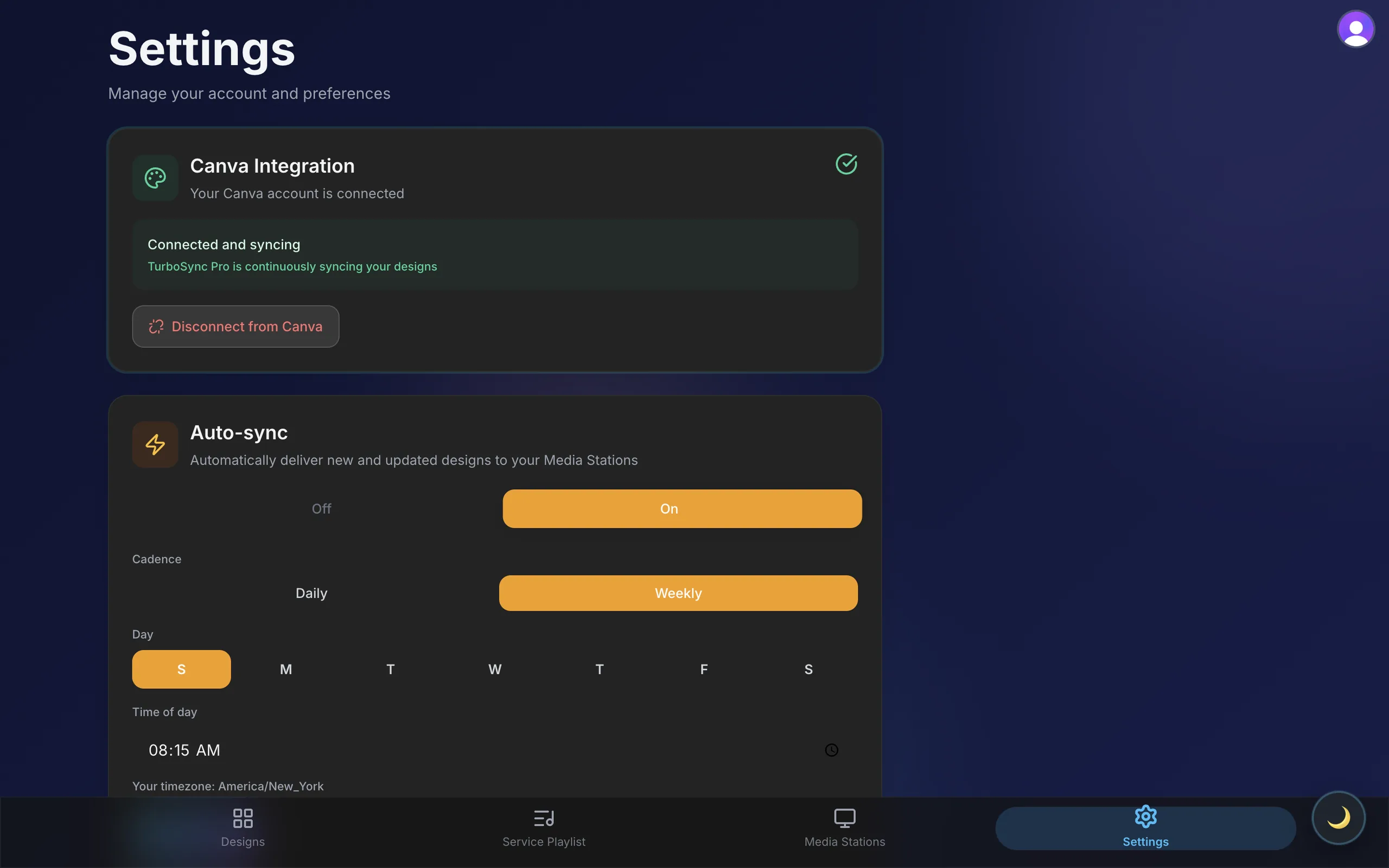
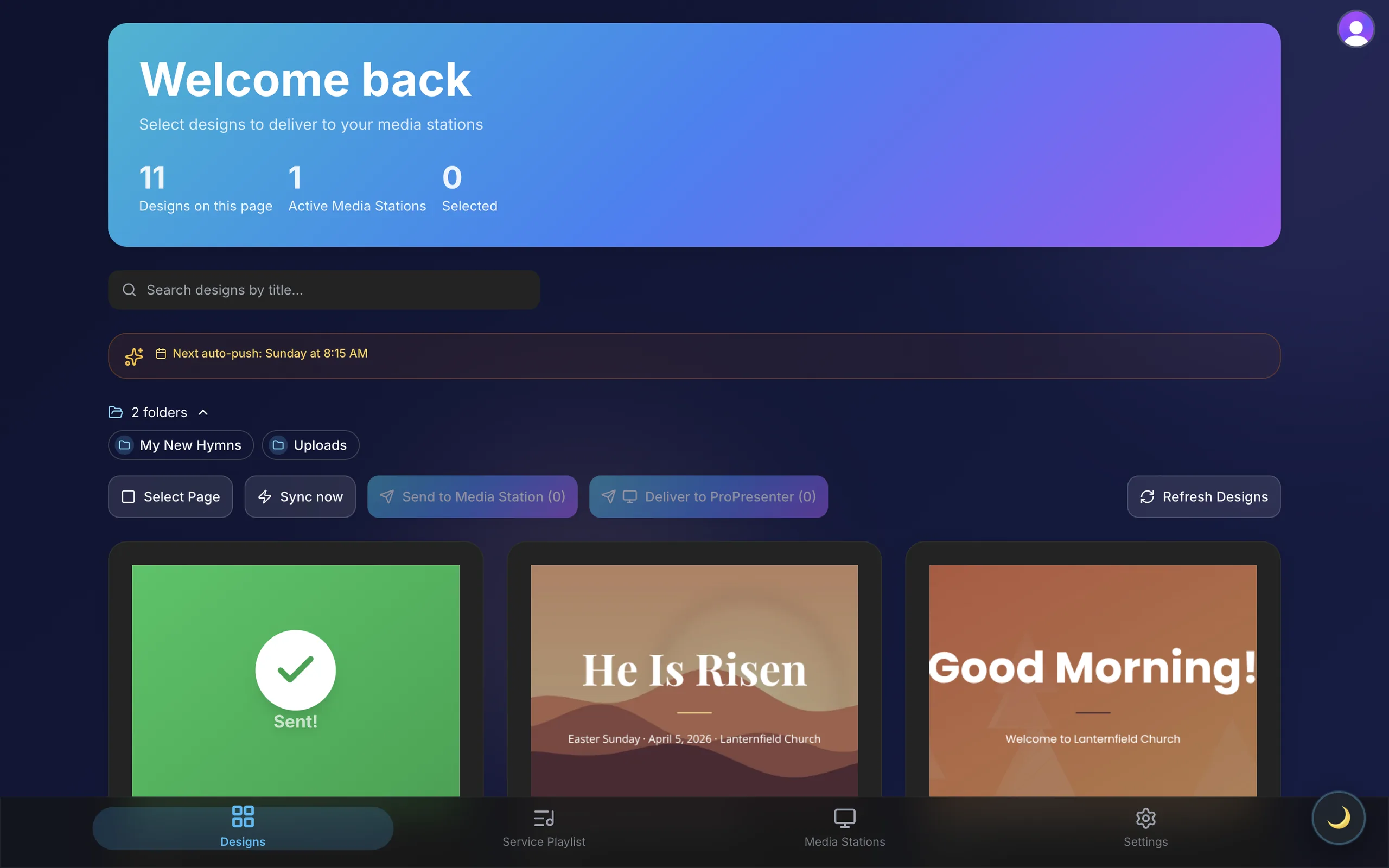
Each person on your team connects their own Canva account through Canva’s official sign-in. TurboSync Pro then lists their designs, grouped by folder, ready to send. Your Canva password never passes through TurboSync Pro, and you can disconnect from Settings at any time.
Sync on demand
Pick a design and send it to an online Media Station. TurboSync Pro fetches the latest version from Canva, shows progress while it travels, and marks the design Sent when it arrives. Changed a slide at the last minute? Fix it in Canva and sync it again.
Sync automatically on a schedule
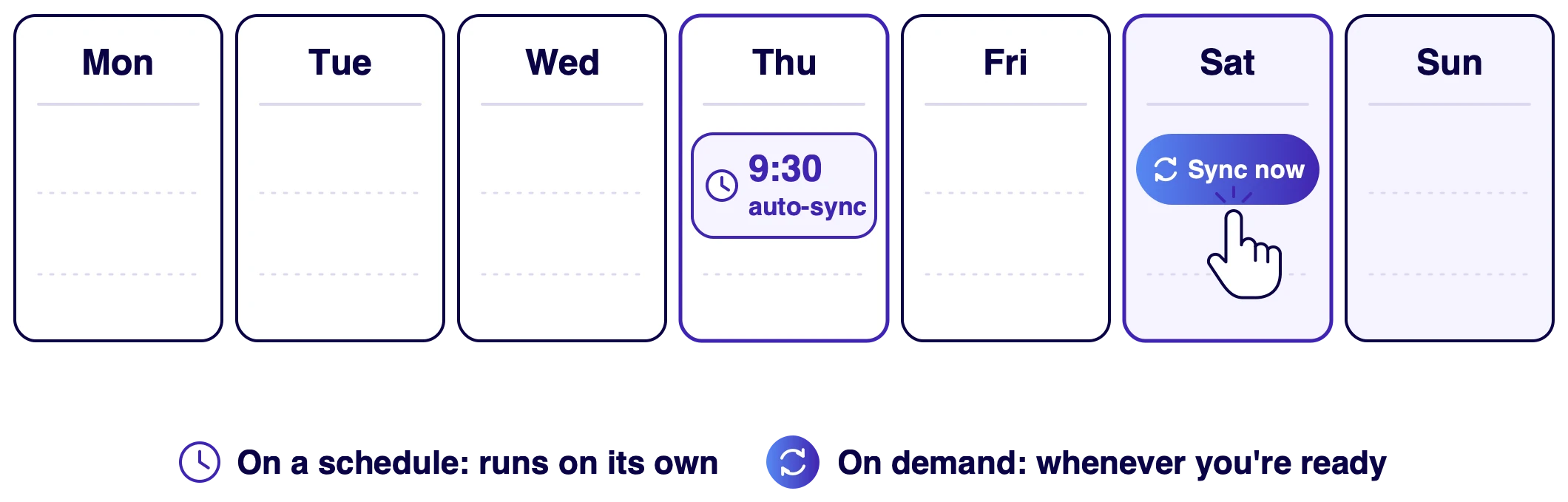
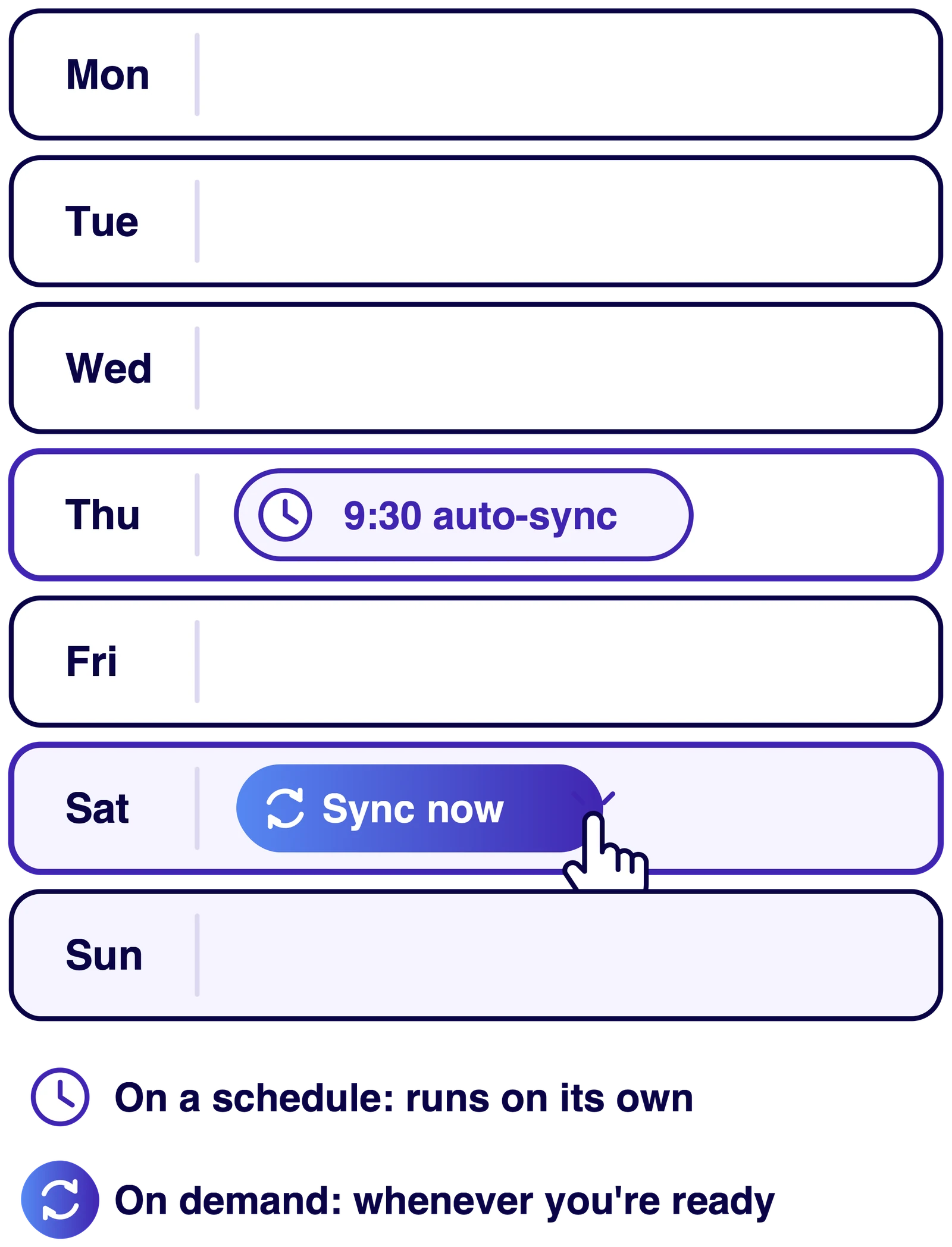
Turn on auto-sync, choose every day or specific days of the week, and set a time. TurboSync Pro then delivers new and updated designs to your online Media Stations, so the slides are in place before anyone reaches the booth. Sync now runs the same check whenever you need it. Scheduled sync is included with the Turbo and Max plans.
See every station and its status
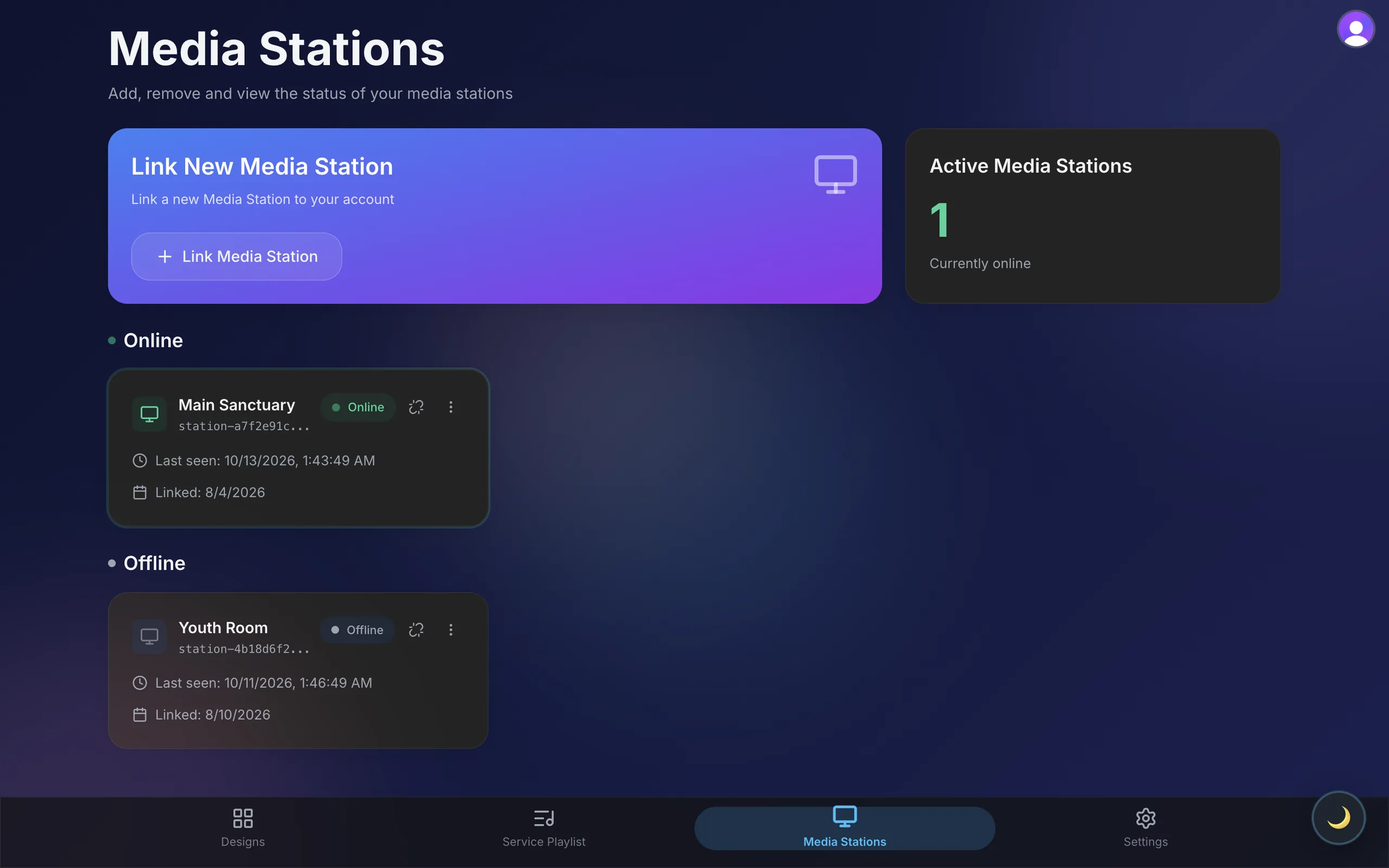
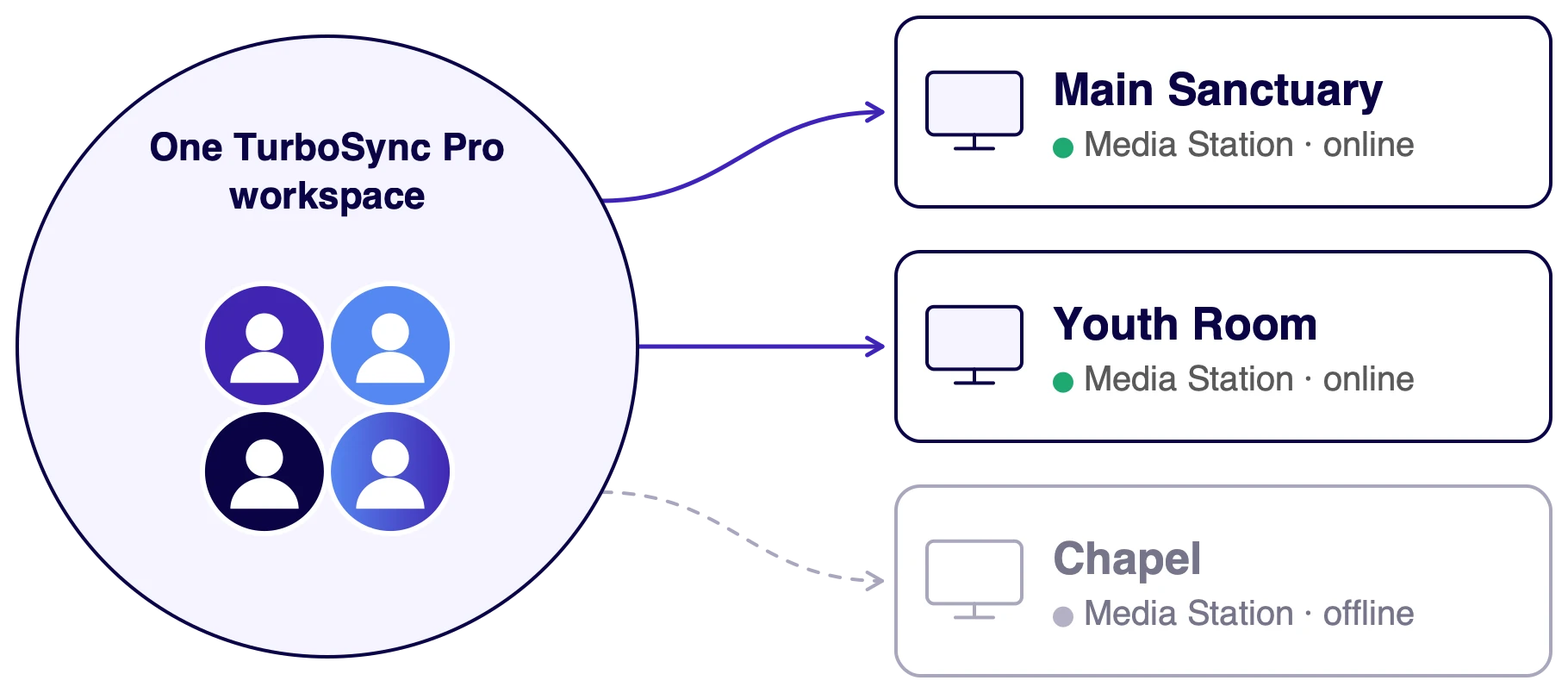
Name each Media Station after the room it serves: Main Sanctuary, Youth Room, Chapel. TurboSync Pro shows which stations are online right now and when each one was last seen, so you know where a design can go before you send it.
The Media Station builds it in ProPresenter
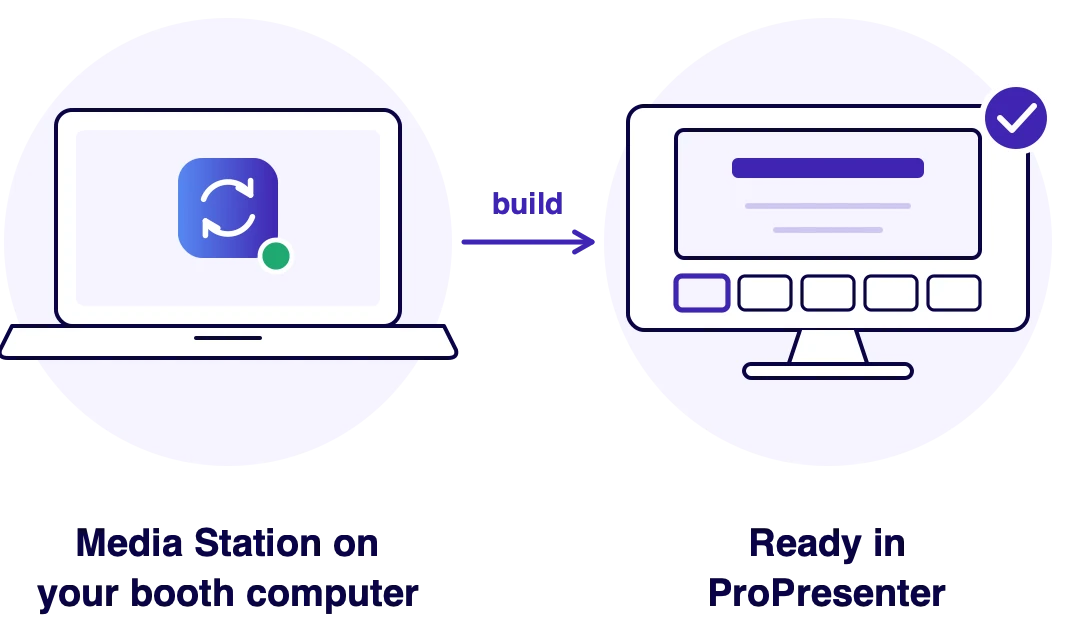
The Media Station is a small companion app for the computer that runs ProPresenter, on macOS or Windows. When a design arrives, it builds the ProPresenter presentation on that computer, one slide per page, in the library you choose for that station. Nobody downloads, imports or rebuilds anything.
One workspace for the whole team
Your media team shares one workspace. Everyone signs in with their own login and connects their own Canva, and every Media Station the team links is available to all of them. The person designing the slides and the volunteer running them work from the same list.
Yes. Each Media Station has its own ProPresenter library setting in TurboSync Pro, so every booth computer can keep new presentations where its operator expects to find them.
TurboSync Pro shows which stations are online and when each one was last seen, and it sends designs only to stations that are online. Start the Media Station on that computer and the station shows as online again, ready to receive designs.
Ready to connect Canva to ProPresenter?
Create your account, or compare plans by the number of Media Stations you run.