See exactly what happens between a finished Canva design and the presentation on the screen in your booth.
features
Everything TurboSync does between Canva and ProPresenter
What TurboSync automates
From a finished
Canva design to a
ProPresenter
presentation.
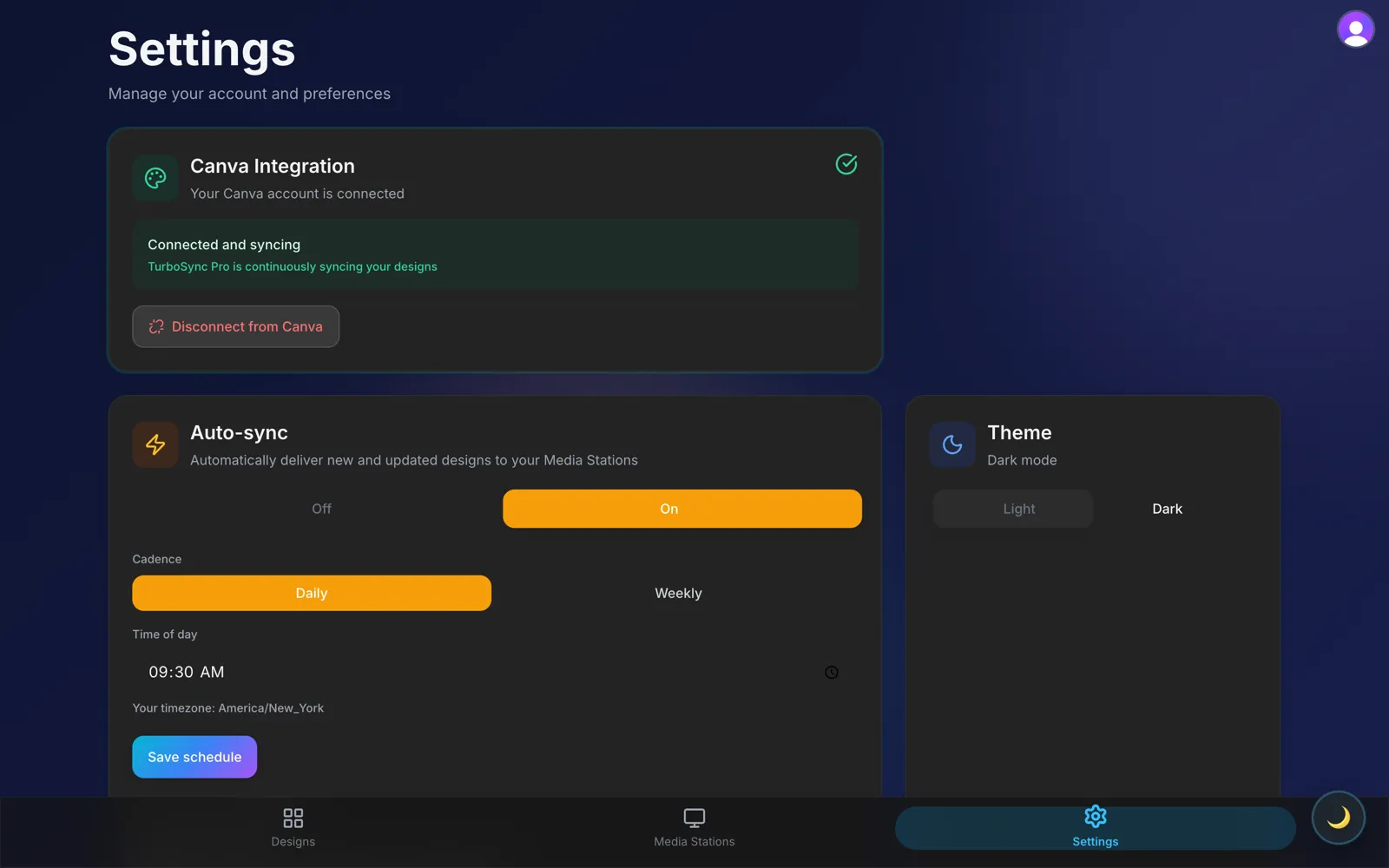
TurboSync picks up your design through Canva’s official connection, delivers it to the Media Station on your presenting computer, and the Media Station builds the ProPresenter file locally — nothing to download, nothing to rebuild by hand.
Yes. TurboSync connects the two tools you already use; it doesn’t replace either one. You keep designing in Canva and presenting in ProPresenter — TurboSync removes the manual step in between.